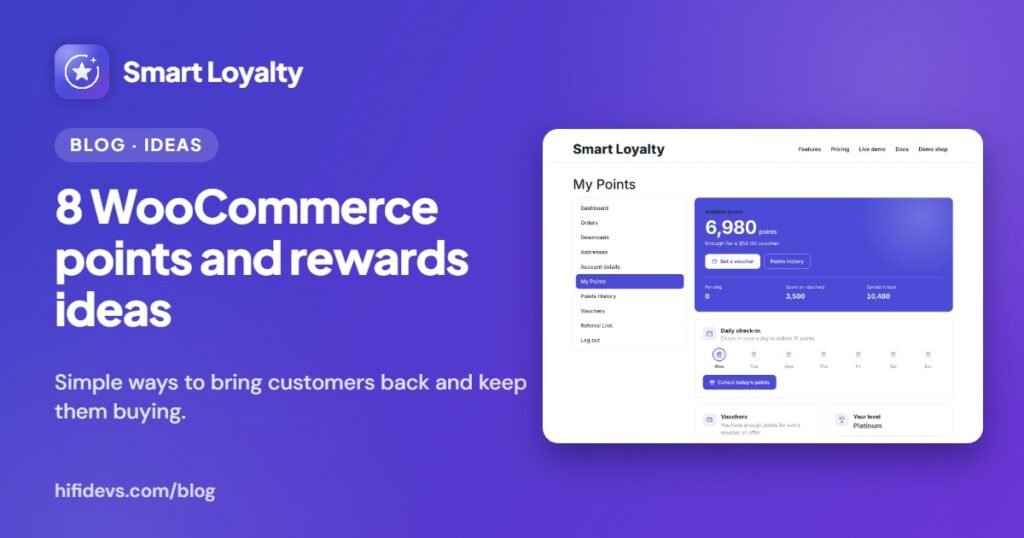
A WooCommerce points and rewards program works best when it is more than “1 point per dollar”. The stores that keep customers coming back reward the right actions and make points easy to spend. Here are eight ideas you can set up in an afternoon, with how to do each one in Smart Loyalty, the loyalty plugin built for WooCommerce.
1. Reward every order with points
Start with the basics: a base rate such as 10 points per $1, set once under Loyalty › Earning. Every paid order earns points automatically, and customers see what they’ll earn on product pages, in the cart and at checkout. Seeing the reward before paying is part of what makes it work.
Need a different rate for some products? Override points per product, per category or per variation.
2. Give a welcome bonus for creating an account
A sign-up bonus gives first-time visitors a reason to create an account instead of checking out as a guest, which also means you can reach them again later. Set the amount under Loyalty › Referrals & bonuses.
3. Let customers pay with points at checkout
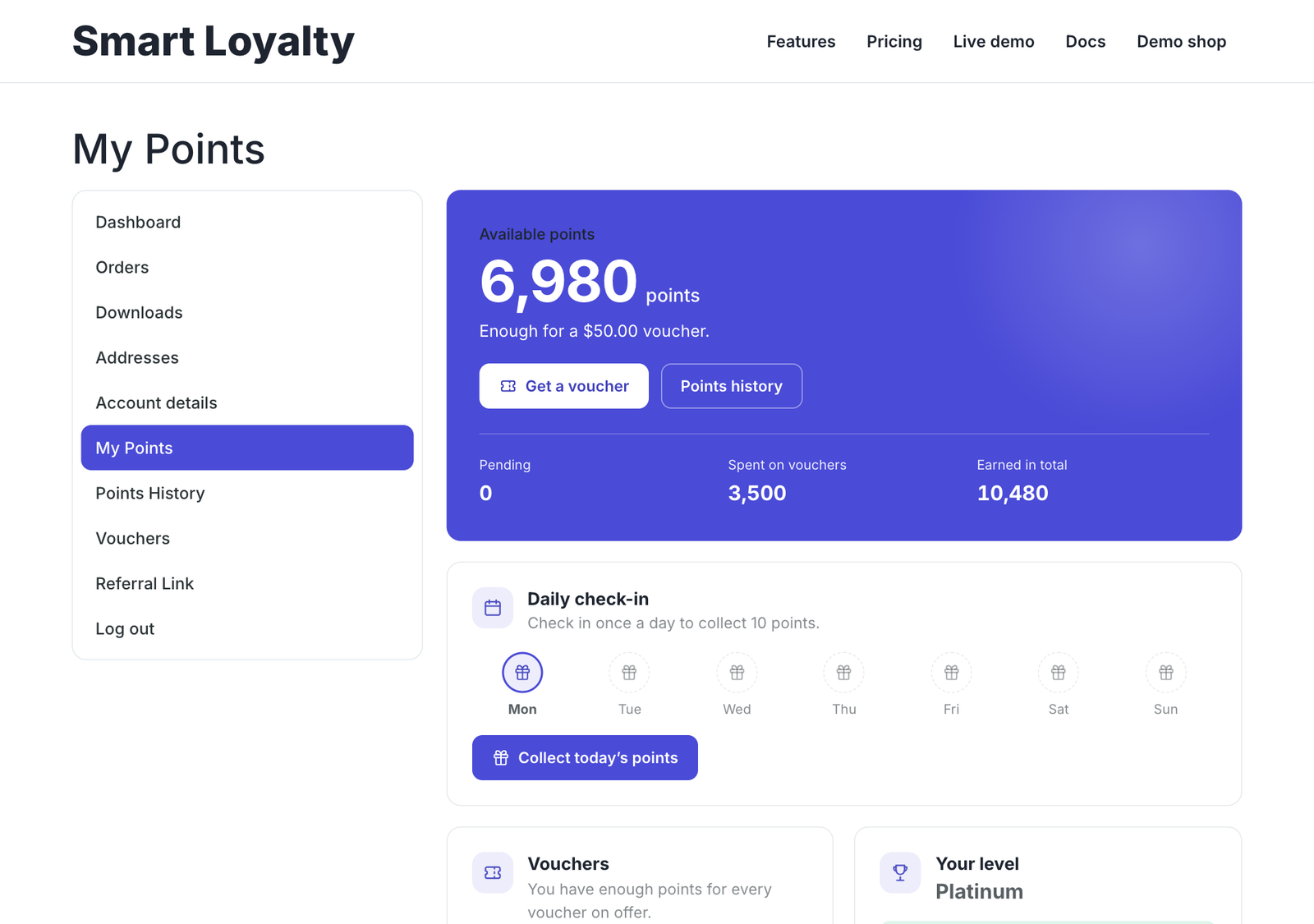
Points that feel hard to use are worth nothing to customers. With the Pay with points panel in the cart and checkout, shoppers turn points into a voucher and apply it in one step, without hunting through their account. It works in both the classic and the block checkout.
4. Reward bigger baskets
Earning rules let you add bonuses on top of the base rate. Try 250 extra points for orders over $100, or 100 points for three or more items in the cart. Set the threshold a little above your typical order, so customers have a reason to add one more thing.
5. Turn happy customers into referrers
A referral program pays customers for bringing friends. Each customer gets a share link in My Account › Refer a friend, and the referrer is rewarded after the friend’s first paid order. Self-referrals and refunded orders are never rewarded, and caps on sign-ups per IP and rewards per 30 days keep it fair.
6. Celebrate birthdays, reviews and check-ins
Not every reward has to come from a purchase. Birthday points feel personal, review points help you collect social proof (only verified reviews count), and daily check-in points give customers a reason to visit even when they are not buying. Each bonus has its own amount, so you can turn on only the ones that suit your store.
7. Create status with levels and badges
Levels such as Bronze, Silver and Gold, based on lifetime points, give regulars a goal and a sense of status. Add a badge image to each level so customers can see where they stand. Because spending points never lowers a level, customers are free to redeem without worrying about losing their tier.
8. Keep points moving with expiry
Points that never expire pile up as a liability and give customers no reason to come back soon. An expiry date, with a scheduled clean-up, nudges customers to use their points, and the visit to redeem is often a chance to sell something else. Vouchers can carry their own expiry, minimum spend and usage limits too.
How to protect your margins
- Keep points pending until orders reach Completed, so cancelled orders don’t earn.
- Points are taken back in proportion to refunds automatically.
- Add a minimum spend to vouchers so discounts apply to real orders.
- Set a daily limit on redemptions if you run promotions.
How to know your rewards program is working
Check a few numbers in the loyalty dashboard over the first months: how many customers are members, how many points are issued and redeemed, and how many points are still outstanding. If customers earn points but rarely redeem them, the rewards are probably too hard to reach, so lower the first voucher tier.
Put these ideas to work
You don’t need all eight on day one. A good starting set is points on every order, a welcome bonus and Pay with points at checkout. Add referrals and levels once customers are used to earning. Our step-by-step guide to setting up a WooCommerce loyalty program walks through each setting.
Smart Loyalty includes every idea above in one WooCommerce plugin, with one payment and no monthly fees. Take the product tour, browse the full feature list or see pricing.